Track work hours, manage projects, and export reports.
LiteClock is a lightweight time tracking app for freelancers and small businesses. Track time per project, add breaks and notes, get weekly/monthly/yearly overviews — and export PDF reports when you need them.
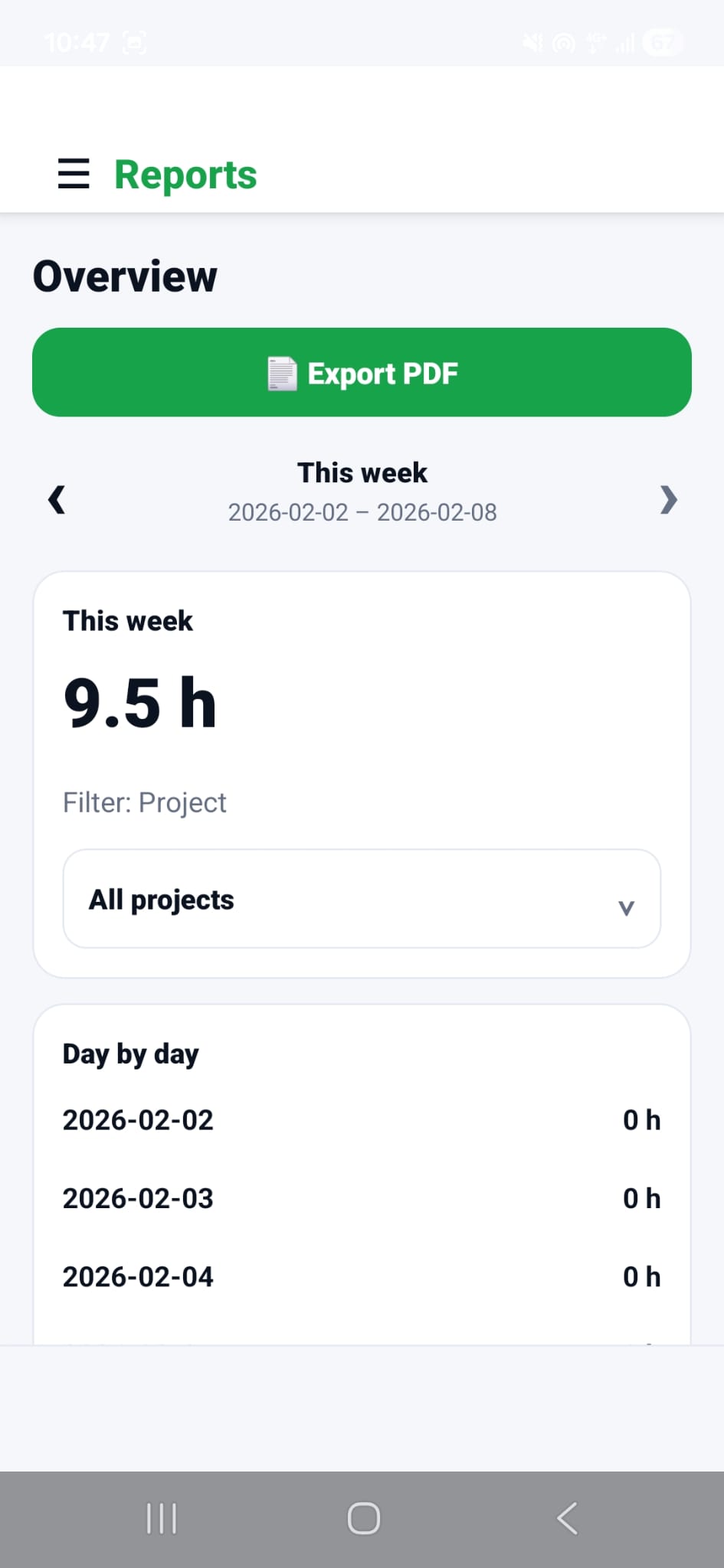
Everything you need — nothing you don’t
Track time per project, keep notes, see clear summaries, and export reports when needed. Built to be fast and simple.
Timer & manual entries
Start/stop a timer or add time manually. Track per project, day, and task.
Breaks & notes
Add breaks and comments to keep your time reports accurate and easy to understand.
Overviews & export
Weekly/monthly/yearly summaries and project split. Export PDF.
Optional cloud sync
Keep your data backed up and sync between devices — while still working offline.
How it works
Create a project
Add one or more projects.
Track time
Use the timer or add entries manually. Include breaks and notes when needed.
Export a report
View summaries and export a PDF report for payroll, clients, or bookkeeping.
FAQ
Do I need an account?
No. LiteClock works without an account — you can track time offline on your device.
Where is my data stored?
Your data is stored locally on your device (offline-first).
Can I export reports?
Yes — export time reports as PDF.
Is LiteClock for teams?
LiteClock is designed primarily for individuals and small businesses who want a simple workflow.